Batch SMS Campaign Automation
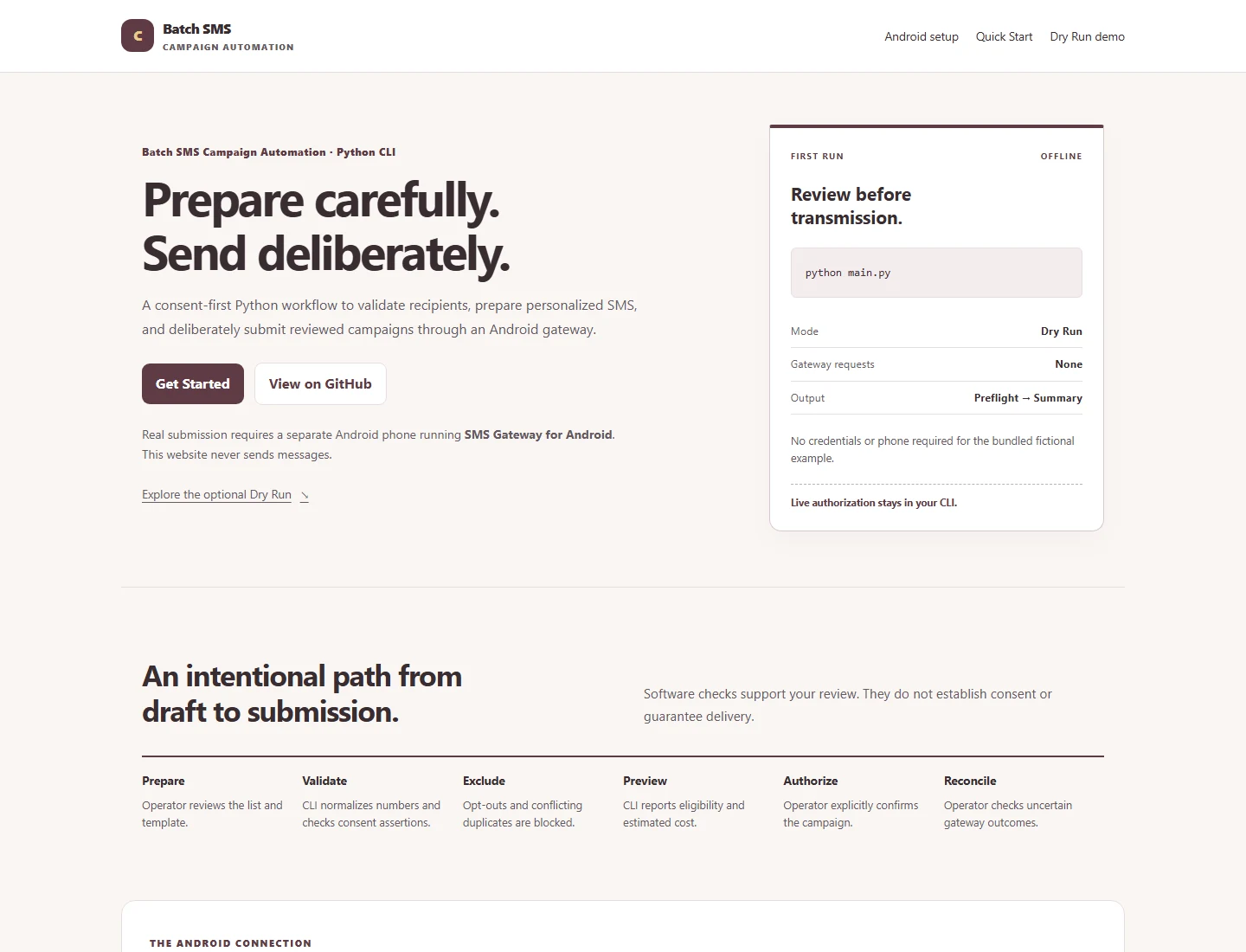
A consent-first Python SMS workflow with opt-out checks, gateway API integration, deliberate failure handling, and a separate Android phone running SMS Gateway for Android. Start with an offline Dry Run; real submission requires explicit authorization.
Real submission happens only in your authorized Python and Android gateway environment. This static website cannot send SMS. The optional browser Dry Run uses fictional fields locally, without phone numbers, credentials, uploads or persistent campaign state.
Product capabilities
A focused tool designed to run in your environment.
The product guide explains Python installation, the external Android app, and the consent-first operating boundaries. Start offline; any real submission requires your separately authorized environment.
- 01Validate consent assertions and reviewed scope before eligibility
- 02Normalize Iranian mobile formats, suppress duplicates and honor opt-outs
- 03Prepare {name} templates and review conservative segment-cost estimates
- 04Require deliberate authorization and preserve a private rerun journal
Operating workflow
Prepare on your computer. Connect through your Android gateway.
Configuration and execution happen in your own environment. Review the project README and security guidance before enabling integrations.
- 01Install Python and review an offline Dry Run
- 02Set up the external Android app for any real operation
- 03Review consent, exclusions, costs and explicit authorization
- 04Reconcile uncertain gateway outcomes before further requests
Local installation
Run the real software in an environment you control.
These steps reflect the repository's public setup documentation. Review its README for platform-specific details and the latest operational guidance.
Prerequisites
- Python 3.10–3.14 and Git on your computer
- Package access during dependency installation; no credentials or phone for the default Dry Run
- For separately authorized submission: an Android phone, external SMS Gateway for Android app, suitable SIM, permissions, active gateway service and carrier authorization
Setup outline
git clone https://github.com/AlirezaBelal/batch-sms-campaign-automation.gitcd batch-sms-campaign-automationpython -m venv .venvWindows PowerShell: .\.venv\Scripts\Activate.ps1 | macOS/Linux: source .venv/bin/activatepython -m pip install -r requirements.txtpython main.py
- The default command reports aggregate preflight and summary events offline. It does not contact a gateway or send SMS; no .env file is required.
- The official Android app is external software installed separately on your phone, not provided by this Python repository. The product guide links to official installation and cloud/local-mode setup.
- Live submission requires reviewed consent evidence, non-demo scope, opt-out CSV, credentials, positive cost bounds, both environment switches, --live and matching campaign-ID confirmation. Live endpoints require HTTPS; plain HTTP local mode needs a trusted TLS proxy.
- Keep recipients, credentials and journals private. API acceptance is not carrier delivery; reconcile unknown outcomes before retry. No automatic inbound STOP handler exists.
- The secondary browser Dry Run uses fictional identity fields and illustrative units, not the Python CSV schema, segmentation engine or a sending service.
Scope & trust
Your consent review. Your controlled runtime.
Real submission happens only in your authorized Python and Android gateway environment. This static website cannot send SMS. The optional browser Dry Run uses fictional fields locally, without phone numbers, credentials, uploads or persistent campaign state.
- Real SMS requires a separate Android phone, official gateway app, SIM, permissions and available service; this is not an iOS gateway
- Consent fields are operator assertions, not independent evidence or compliance certification
- No automatic sending, blind retries, inbound STOP handler or carrier-delivery guarantee
- Browser-only Dry Run is secondary: no phone-number input, gateway connection or real transmission
- Estimated costs are not a billing guarantee; carrier charges and restrictions still apply
Run it in your environment
Start offline. Understand the Android connection.
Install the CLI for a safe Dry Run first. Configure the external Android app and deliberate authorization separately; the website never sends SMS.