Web Monitor
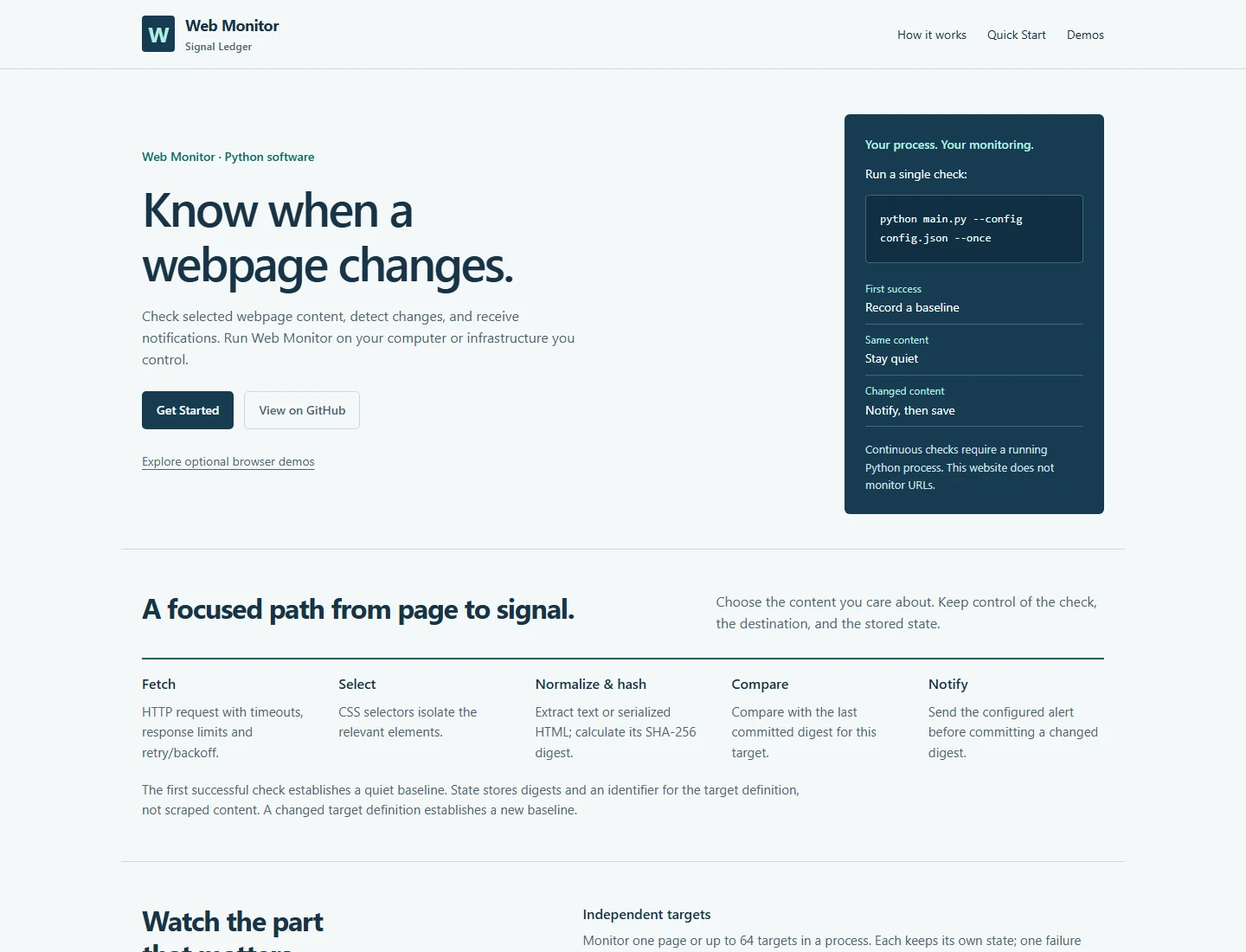
A Python webpage monitoring and notification tool you install and run on your computer or your own infrastructure. Select content with CSS selectors, track independent targets, and receive alerts when its digest changes. The product website explains the workflow and guides your first local check.
Real HTTP checks and notifications run only in your Python environment. The product website provides installation guidance and optional educational demos: local text comparison and a synthetic monitoring simulation. Neither demo fetches URLs or delivers alerts; browser inputs are not uploaded, tracked, or persistently stored.
Product capabilities
A focused tool designed to run in your environment.
The independent product website explains the real Python workflow and provides a practical local Quick Start. Browser demos are optional educational experiences.
- 01Monitor independent targets with CSS selectors and text or HTML comparison
- 02Detect changes with SHA-256 digests, first-success baselines, and bounded retry/backoff
- 03Deliver console, optional desktop, Webhook or Telegram alerts before committing changed state
- 04Run locally, in Docker, or under systemd with digest-only state and privacy-safe health output
- 05Use optional browser-local comparison and synthetic scenarios to explore the concepts
Operating workflow
Install, configure, and make your first check.
Configuration and execution happen in your own environment. Review the project README and security guidance before enabling integrations.
- 01Read the product guide and install Python dependencies in a virtual environment
- 02Configure an authorized target, selector, interval and notification backend
- 03Validate configuration and establish a baseline with one local check
- 04Keep the Python process running for repeated checks; review alerts and local health output
Local installation
Run the real software in an environment you control.
These steps reflect the repository's public setup documentation. Review its README for platform-specific details and the latest operational guidance.
Prerequisites
- Python 3.10 or newer
- A terminal and permission to monitor the selected pages
Setup outline
git clone https://github.com/AlirezaBelal/web-monitor.gitcd web-monitorpython -m venv .venvLinux/macOS: source .venv/bin/activate · PowerShell: .\.venv\Scripts\Activate.ps1python -m pip install -r requirements.txtpython -c "import shutil; shutil.copyfile('config.example.json', 'config.json')"Review the target, selector, interval, and notification mode in config.json.python main.py --config config.json --validate-configpython main.py --config config.json --once
- Runs locally as a Python process; supports Linux, macOS, and Windows environments with Python.
- The default example uses console notification. Webhook and Telegram credentials belong only in protected environment variables.
- For the default loopback example, create demo/index.html containing <main>Initial value</main>, then serve that directory in a second terminal: python -m http.server 8000 --bind 127.0.0.1 --directory demo
- After the first baseline, edit the local page and run --once again. Omit --once for continuous checks; Docker and systemd examples are in the repository.
- The public website compares text locally and simulates monitoring; actual HTTP checks and notification delivery run only in your Python environment.
Scope & trust
Your runtime. Explicit product boundaries.
Real HTTP checks and notifications run only in your Python environment. The product website provides installation guidance and optional educational demos: local text comparison and a synthetic monitoring simulation. Neither demo fetches URLs or delivers alerts; browser inputs are not uploaded, tracked, or persistently stored.
- Python: static HTTP only; no JavaScript rendering, login automation, distributed scheduling, or historical content archive
- Python notifies before committing a changed digest; failed delivery retries on the next check and rare duplicates remain possible
- Monitor only authorized pages, respect site terms, and use reasonable intervals; Retry-After is not automatically honored
- Browser: 20,000 UTF-16 code units per input; whitespace normalization and a linear changed-span summary, not Beautiful Soup or HTML-selector parity
- Browser: no remote monitoring, persistent scheduling, delivered notifications, uploads, analytics, or stored input; Clear discards the workspace, not original sources or device memory
Run it in your environment
Start with the product guide. Run it yourself.
Install the Python service for real checks and configured notifications. The product website also retains optional local comparison and synthetic monitoring demos.